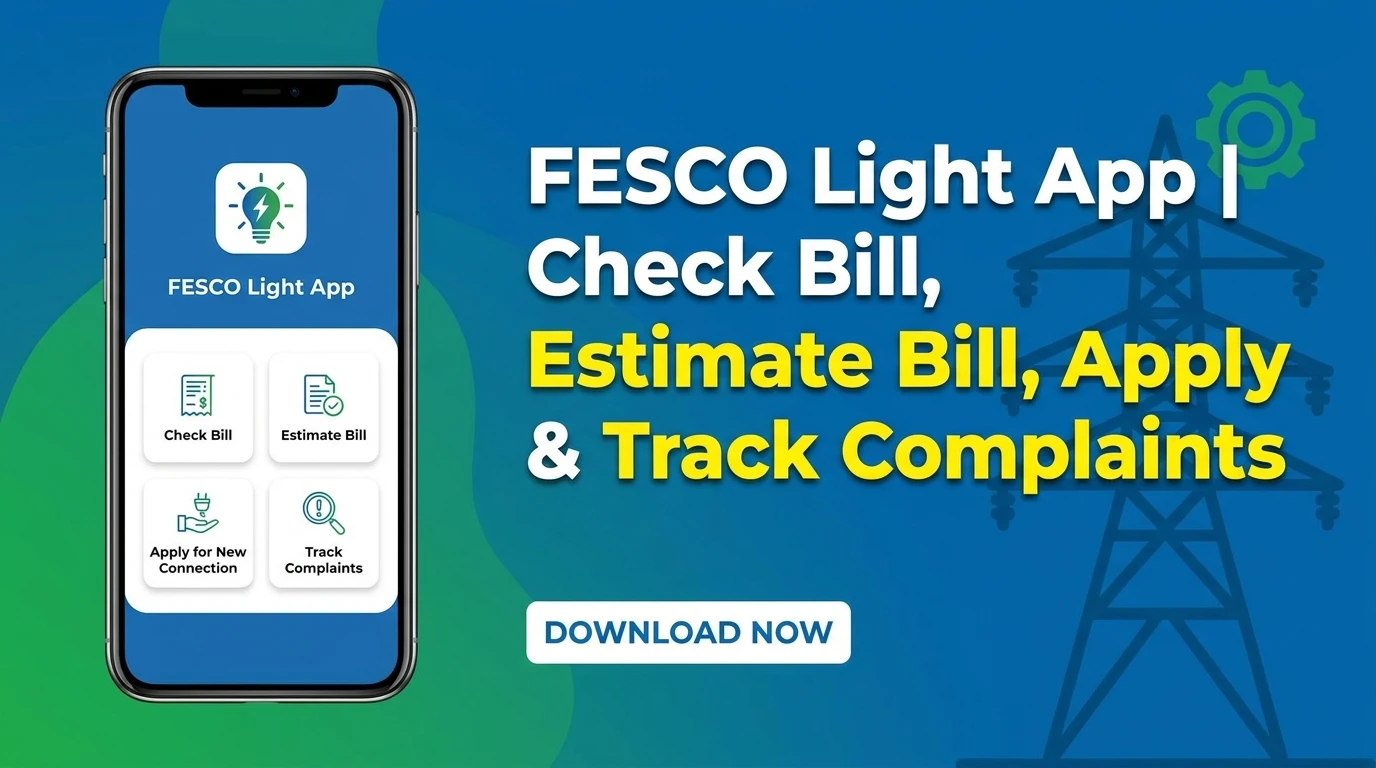
The FESCO Light App is an official mobile application that allows FESCO consumers to manage most electricity-related services from their homes. Instead of visiting a customer service center, you can use the app to access important services with just a few taps.
With the FESCO Light App, you can:
- Check load management schedules.
- View your billing information.
- Download a duplicate FESCO bill.
- Check your bill payment history.
- Apply for a new FESCO connection.
- Track complaints and their status.
- Estimate your electricity bill before it arrives.
The app is available for free on the Google Play Store.
How to Register on the FESCO Light App
After downloading the FESCO Light App from the Google Play Store, open the application.
If you are using the app for the first time, tap on Register Account.
You will be asked to enter the following information:
- Your name
- Email address
- 14-digit Reference Number
- Mobile number
- CNIC number
- Password
- Confirm Password
Your 14-digit Reference Number can be found on your FESCO electricity bill.
After filling in all the required information, tap Register to create your account.
Once your registration is complete, log in using your registered mobile number and password.
Check FESCO Load Management Schedule
After logging in, select Load Management from the home screen.
Your registered Reference Number will already appear. If needed, you can change it and submit another Reference Number.
After submitting, the app will display:
- Current power status.
- Whether electricity is currently available.
- Complete load shedding schedule for your area.
- Power outage and restoration timings.
This feature allows you to check your area’s electricity schedule without contacting customer support.
View Billing Information
The Billing Information section allows you to view your latest FESCO bill.
You can also see:
- Current month’s bill.
- Amount payable.
- Payment status.
- Previous billing records.
This makes it easy to keep track of your electricity bills in one place.
Download a Duplicate FESCO Bill
If you have misplaced your original electricity bill, simply open the Get Duplicate Bill option.
The app will generate a duplicate copy of your latest FESCO bill, which you can view or download anytime.
Track Your Complaint
If you have already submitted a complaint, you can easily track its progress through the app.
Simply open Track Complaint, enter your complaint ID, and check the latest status of your complaint.
Apply for a New FESCO Connection
The FESCO Light App also allows consumers to apply for a new electricity connection online.
Open Apply New Electricity Connection and complete the required application form.
After submitting your application, you can monitor its progress directly through the app.
Track Your New Connection Application
To check the progress of your new electricity connection request, open Track New Connection.
Enter your Tracking ID or CNIC number, then submit your request.
The app will display the current status of your new connection application.
Estimate Your FESCO Bill
One of the most useful features of the FESCO Light App is the Bill Estimator.
This tool helps you estimate your electricity bill before the actual bill is issued.
To calculate your estimated bill:
- Select your connection type.
- Choose the appropriate tariff category.
- Enter the number of electricity units consumed.
- Fill in the required details if applicable.
- Tap Calculate Bill.
The app will instantly display your estimated electricity bill along with a detailed breakdown of charges.
This feature helps consumers estimate their monthly electricity expenses without performing manual calculations.
Final Words
The FESCO Light App is a useful application for every FESCO consumer. It brings multiple electricity services together in one place, allowing you to manage your account from home.
Whether you want to download a duplicate bill, estimate your monthly bill, apply for a new connection, check your billing history, track complaints, or view your area’s load management schedule, the FESCO Light App makes the entire process simple and convenient.